Case study
Konfig – Product Design Configurator
Last updated:
The project at a glance
- The problem
- Let riders design motorcycle decals in the browser and produce a correctly scaled production PDF.
- My contribution
- Frontend, backend and UX/UI, plus client communication and organisation. My business partner contributes decal and marketing expertise. Working pattern: 3 days/week.
- Delivery state
- In production use in one shop and under active development.
- Result
- >10,000 user-created designs in three months; reported +50% returning users in the custom-decal area.
Owner-reported product results; not independently verified attribution or a forecast for other projects.
From a rider’s idea to a print-ready motorcycle decal.
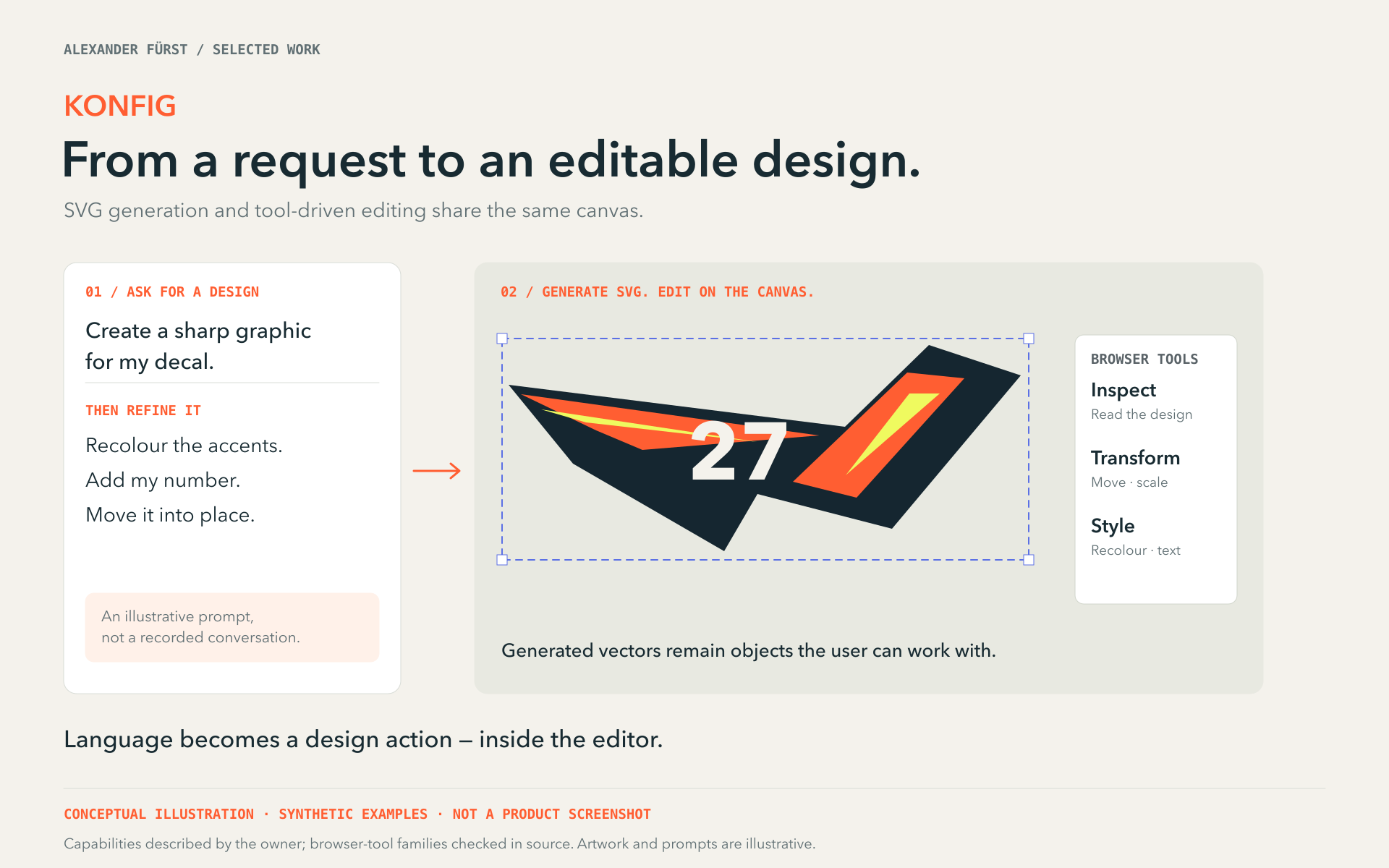
Konfig brings the freedom of a graphics editor to motorcycle customisation. Riders can adapt a ready-made kit through its colour variables or compose a design more freely. Behind that approachable editor sits a demanding requirement: the design seen in the browser must become a correctly scaled production PDF.
Connecting the editor to production
I built the product with a business partner who contributes motorcycle-decal expertise and marketing. My responsibilities span frontend and backend engineering, UX/UI design, client communication and organisation. I work on Konfig three days a week, connecting the everyday editing experience to the needs of a real decal business.
One design across JSON, canvas, SVG and PDF
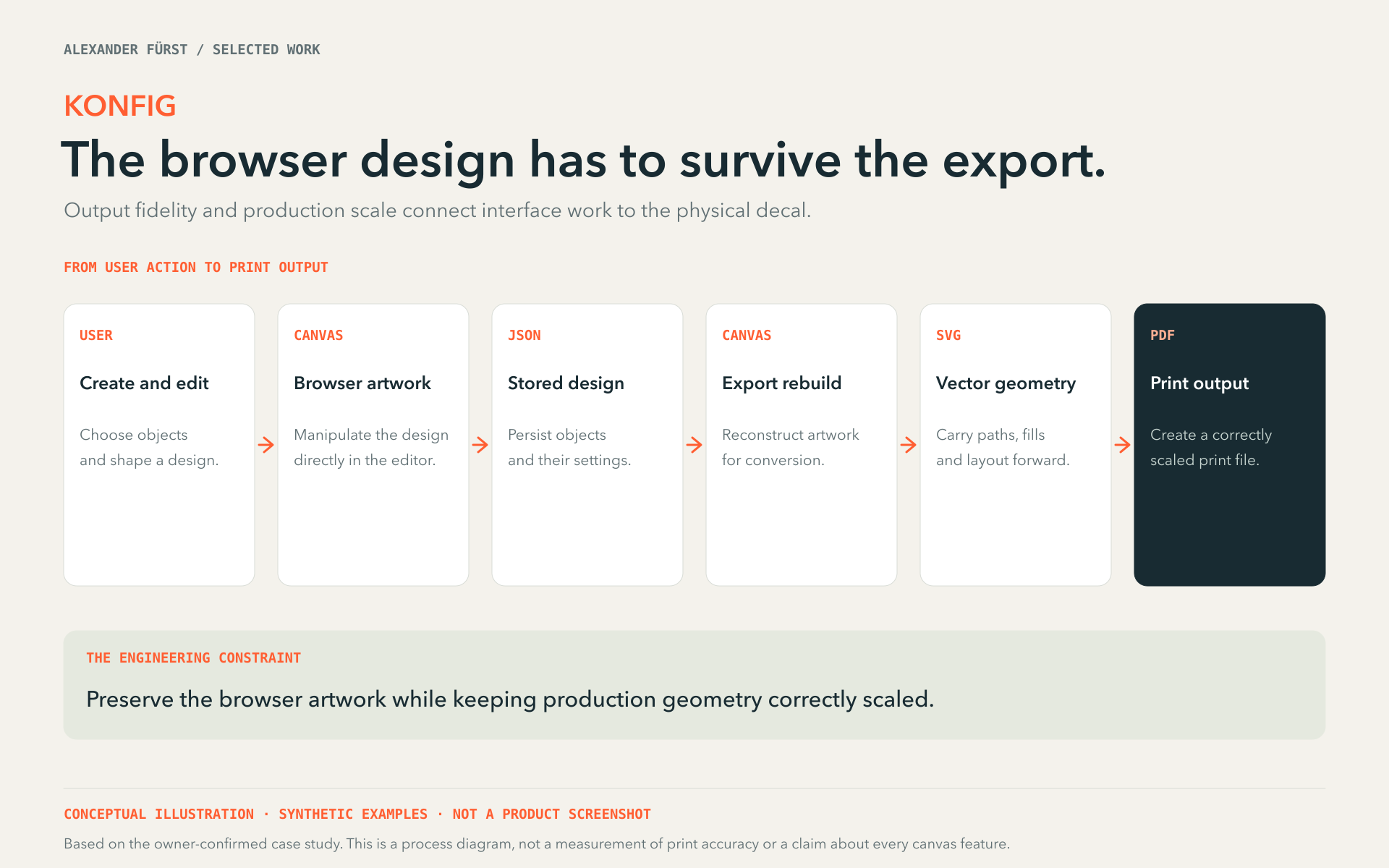
Users create their designs visually on a browser canvas. We store them in a custom JSON format, reconstruct them on a canvas for export, then convert them to SVG and finally PDF. I built the conversion workflow to preserve browser-canvas features across those formats while keeping the production geometry correctly scaled, with millimetre coordinates represented to eight decimal places.
Automatically generated image description
Conceptual diagram illustrating the process from user action to print output in browser design export. It features six white rectangular boxes with headings and descriptions: 'Create and edit', 'Browser artwork', 'Stored design', 'Export rebuild', 'Vector geometry', and a dark blue box 'Print output'. Arrows connect each step horizontally. The background is light beige with orange and black text. Additional text sections highlight the engineering constraint and clarify the diagram's conceptual nature, emphasizing preservation of browser artwork and correct scaling for print.