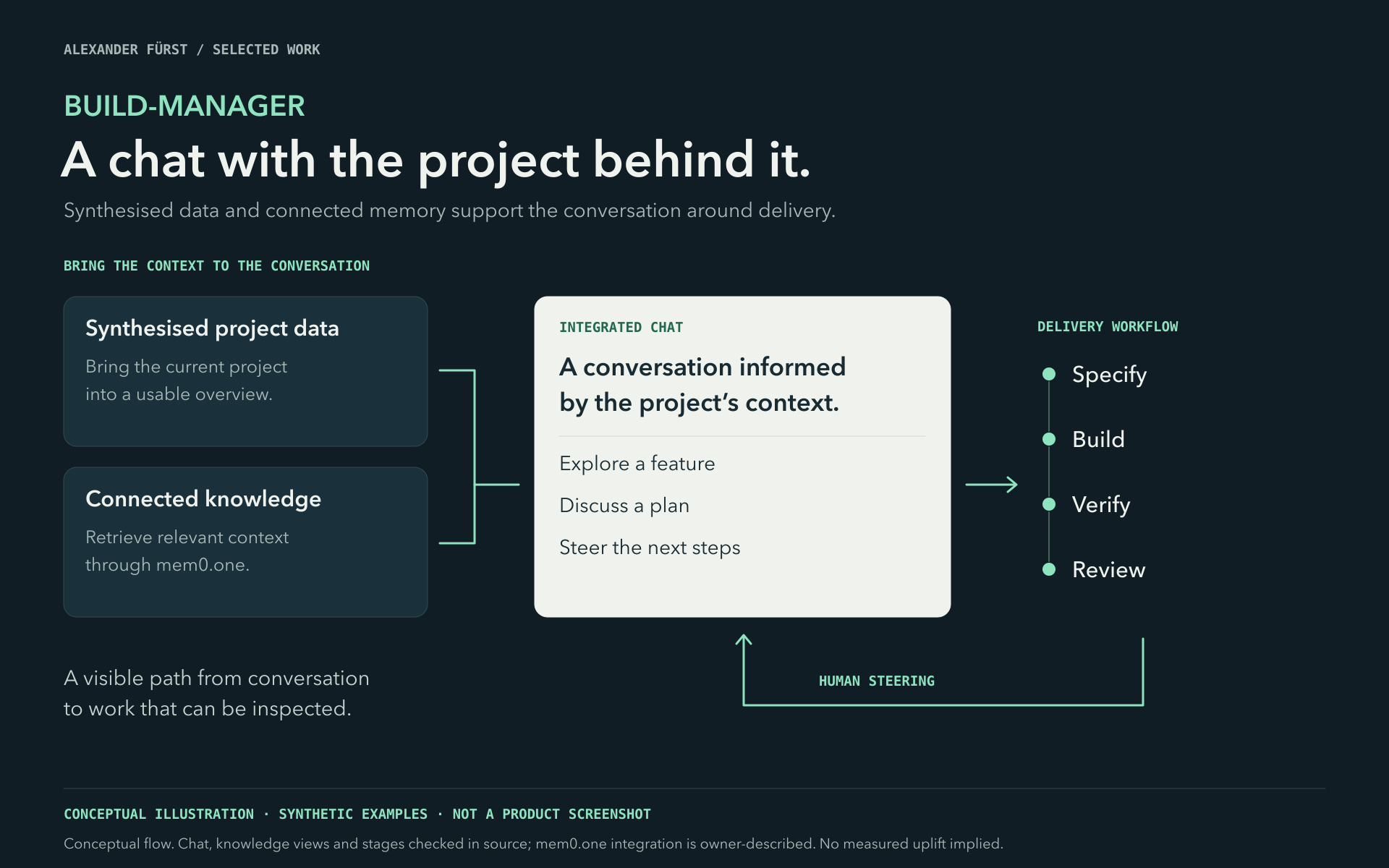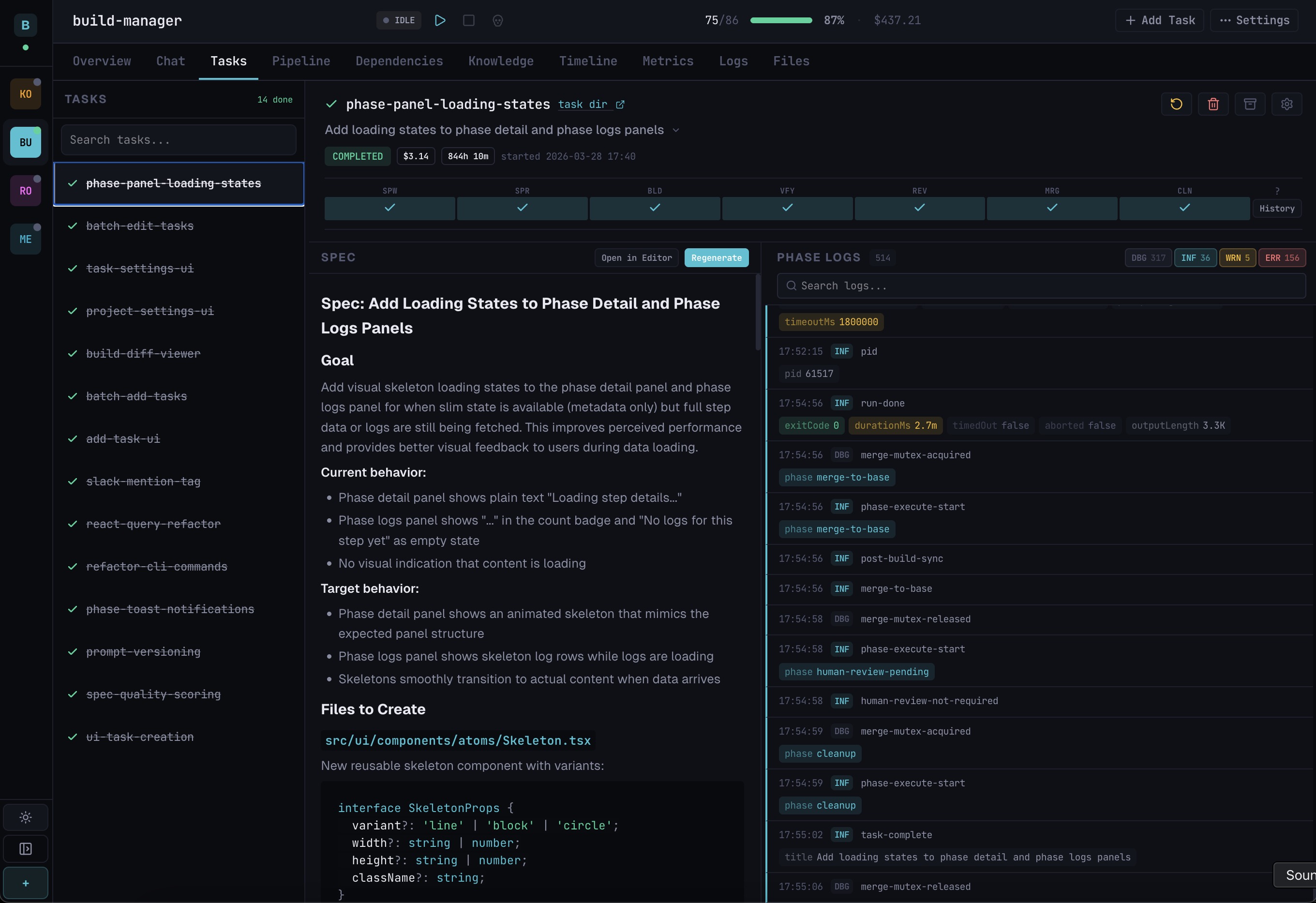
01 / AI-enabled products
What could your product do with AI?
Help customers create, plan and discover. Give your team better ways to work with its knowledge. I help you find useful opportunities and turn them into working product features — from the first idea to integration.
You don’t need a feature specification. Start with your product and the people using it.
With Alexander Fuerst · product thinking, UX & engineering
An example trip brief
A week away. Mountain roads, good food and quieter places. Leave room to explore.
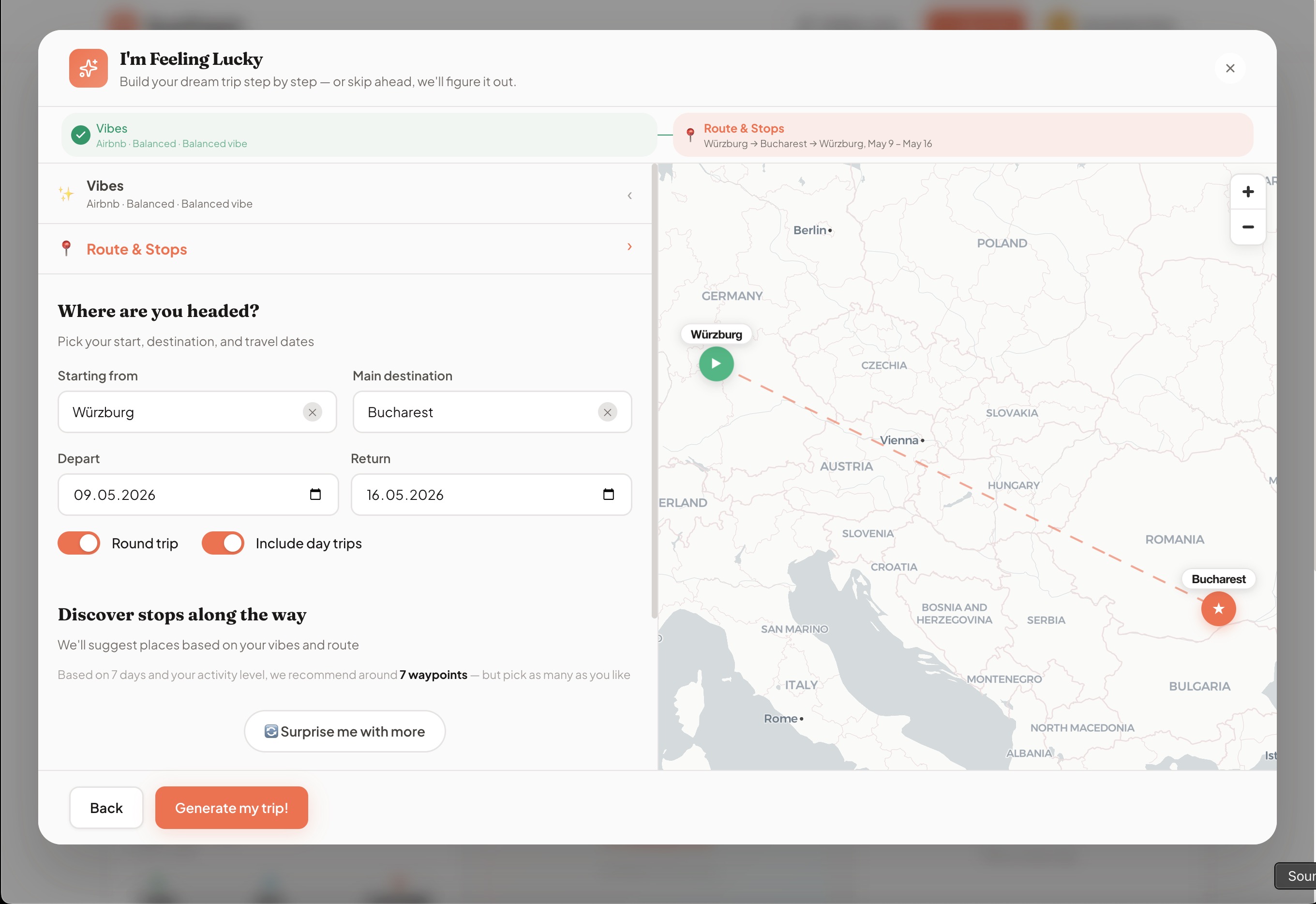
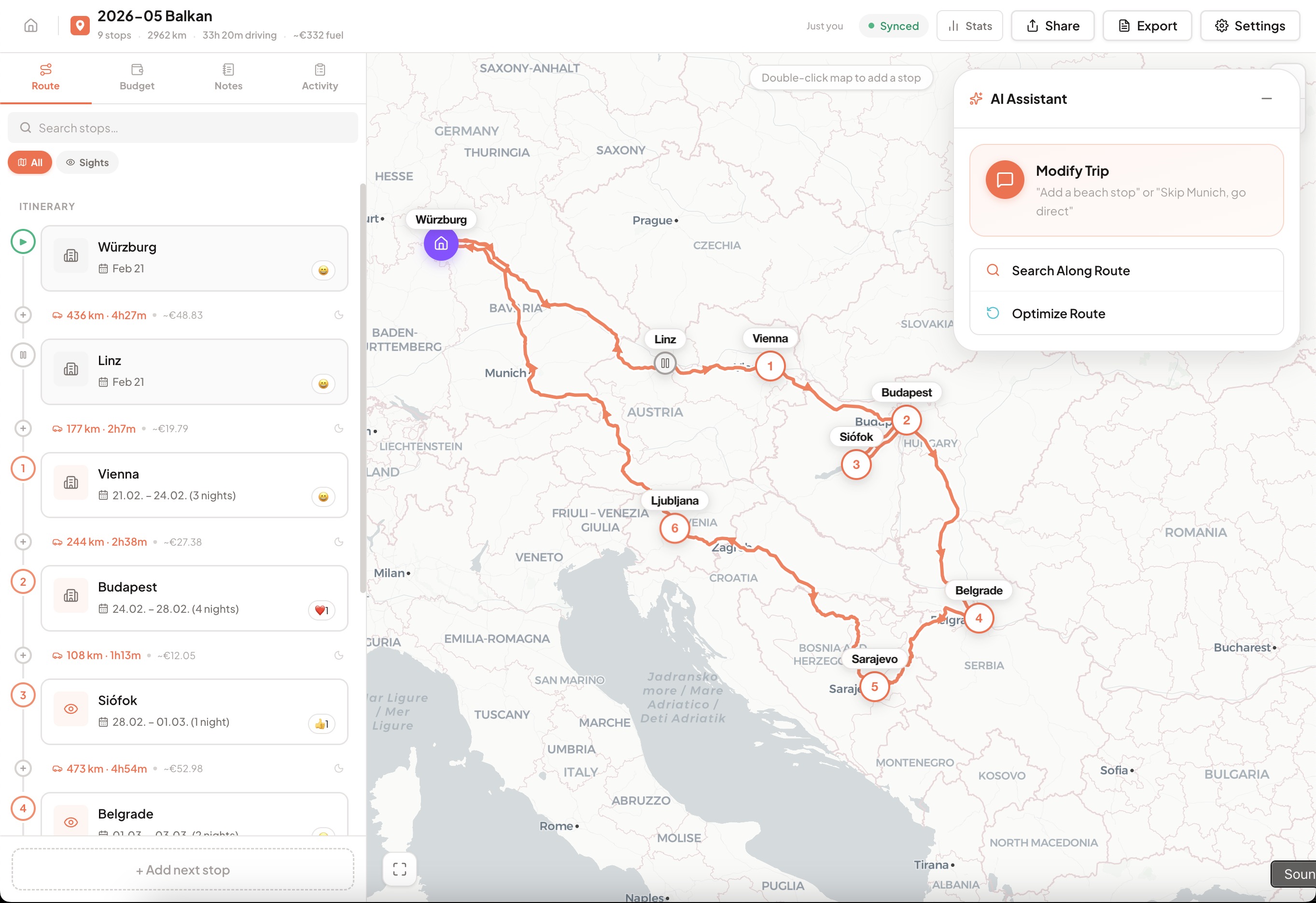
Product screenshot
I'm Feeling Lucky: trip-generation inputs
Automatically generated image description
This is an application screenshot of a travel planning interface titled 'I'm Feeling Lucky.' The left panel includes sections for 'Vibes' and 'Route & Stops,' with input fields for starting location (Würzburg), destination (Bucharest), departure and return dates, and toggles for round trip and day trips. A button labeled 'Generate my trip!' is at the bottom. The right panel shows a map of Central and Eastern Europe with a dashed line route from Würzburg to Bucharest, marked by a green play icon and a red star respectively. The interface uses a clean, modern design with white, orange, and green colors.
For your customers
New ways to create, discover, plan and act inside your product.
For your team
Internal tools that connect knowledge, understand requests and support specialist work.
02 / AI in working products
Different products. Useful possibilities.
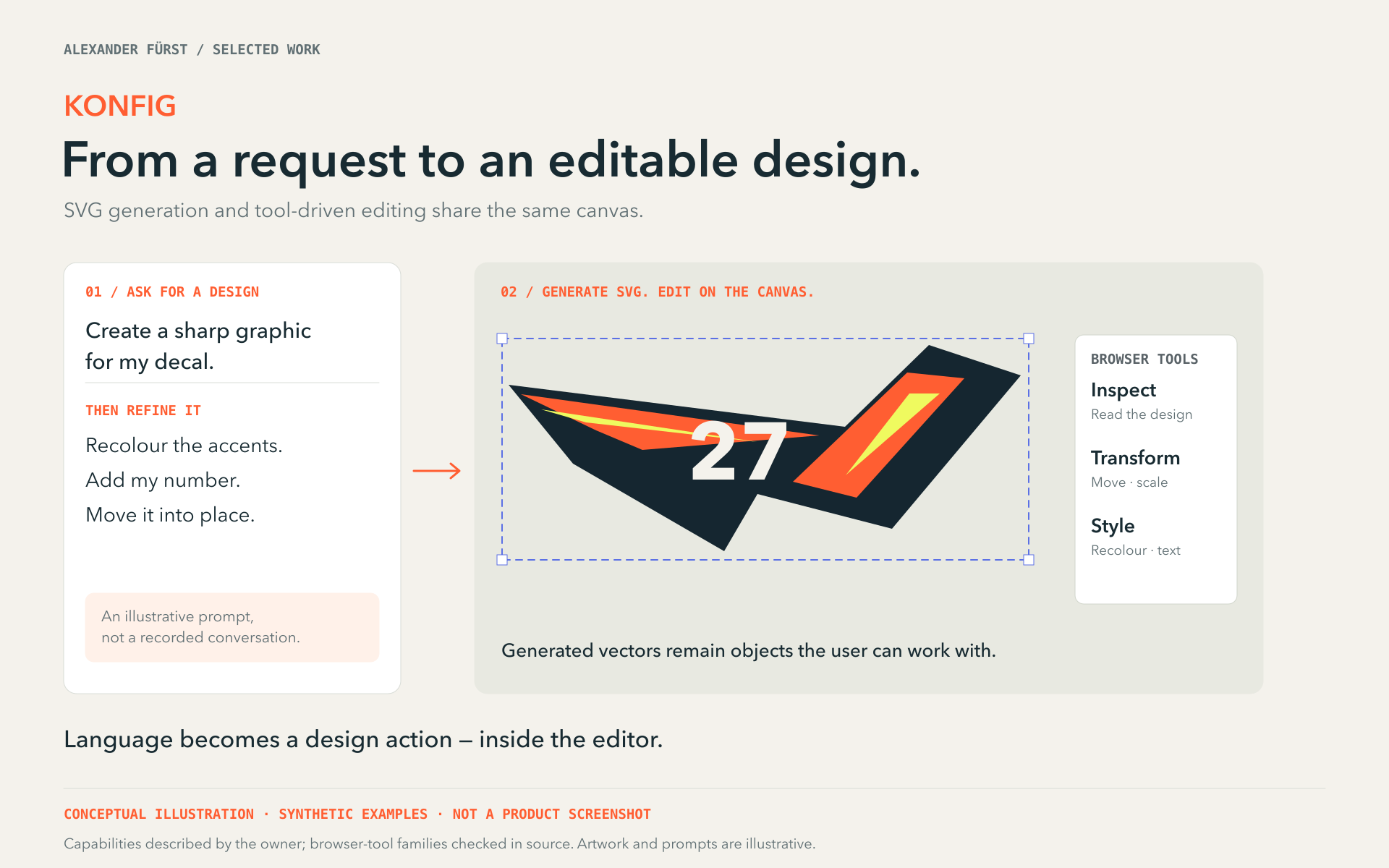
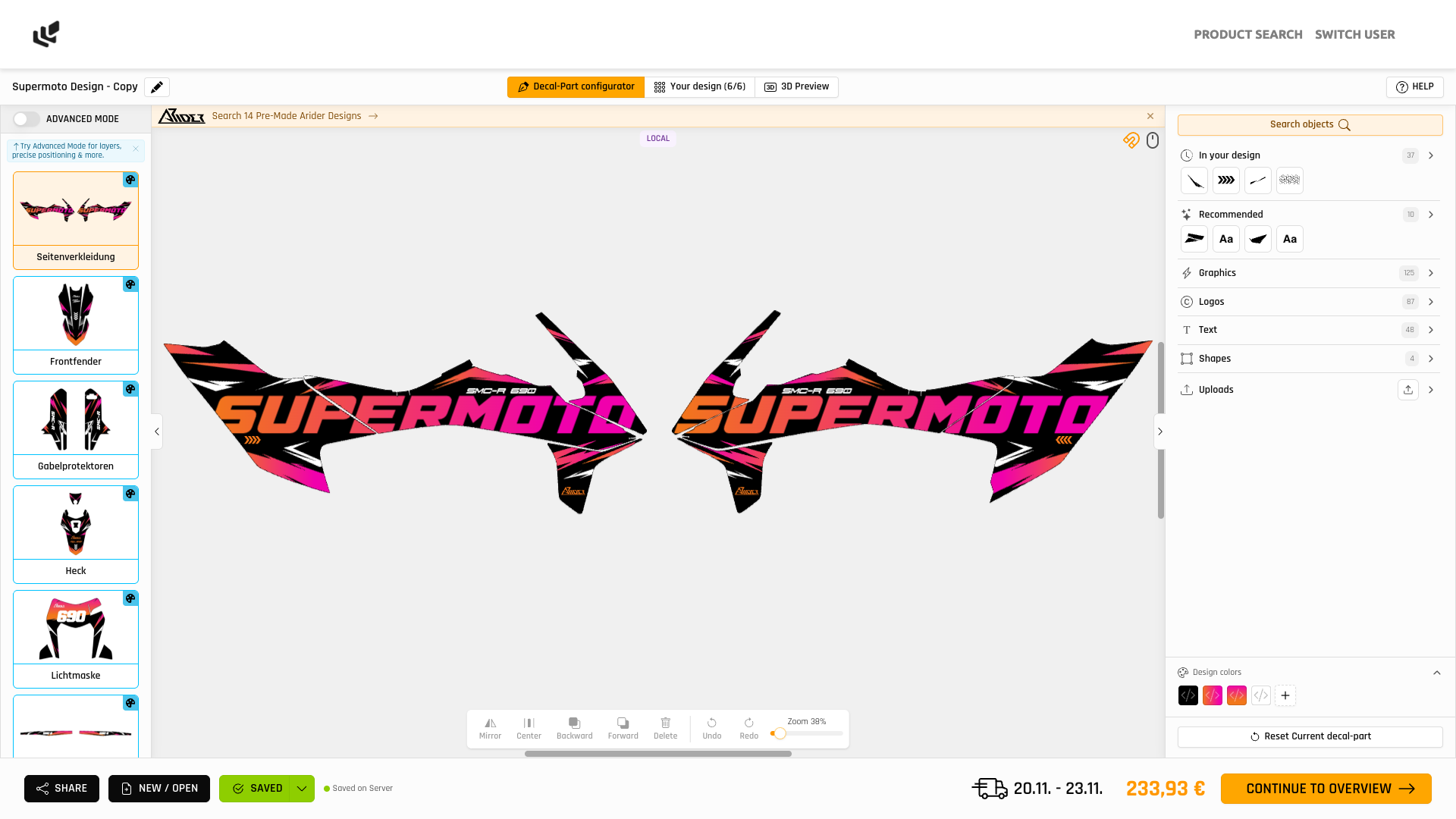
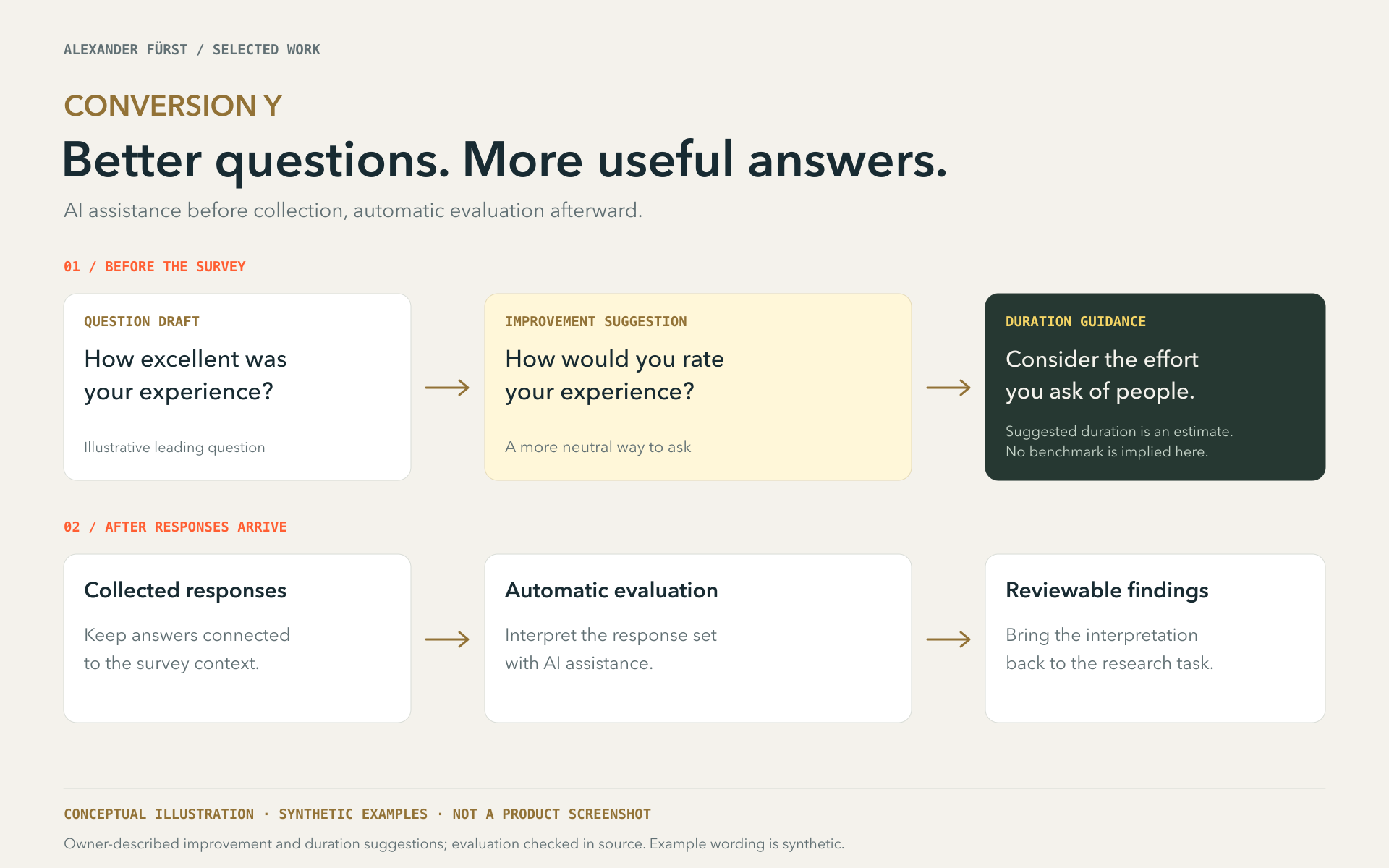
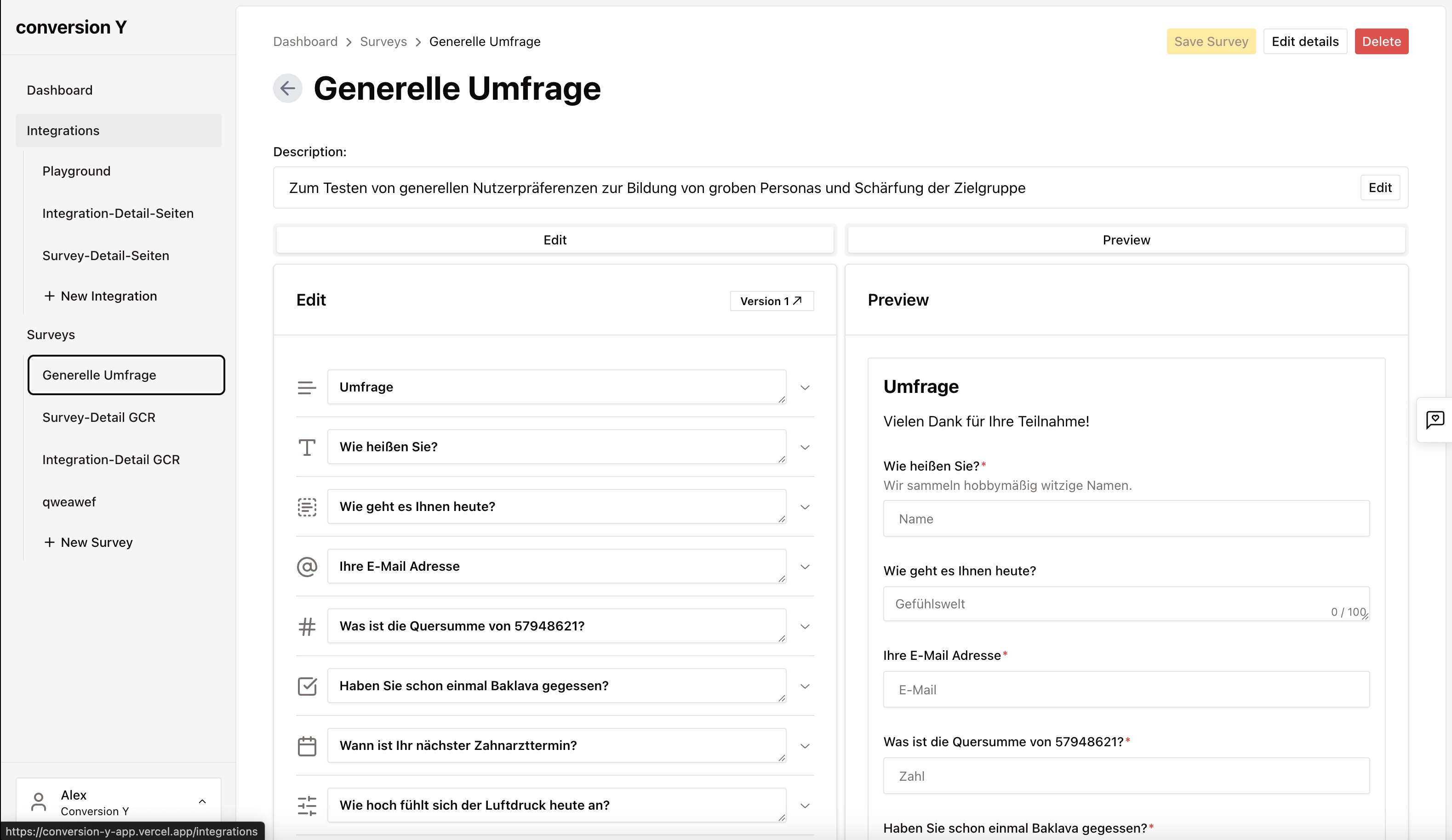
A trip planner, a design editor, a survey product and an internal development tool. Four different ways to give AI a useful role in a product.
01 / Planning & recommendations
Turn a feeling into a trip.
RoadTrippin · personal product · restricted access
A Feeling Lucky-style flow turns mood, interests, dates and destinations into a full trip. AI supplies most location, stop, trip and day-trip suggestions, with a recommendation engine inside an editable, collaborative map experience.
- The starting point
- Mood, interests, dates and destinations
- What AI does
- Trip generation and recommendations for places, stops and day trips
- What people can do
- An itinerary people can explore, change and plan together
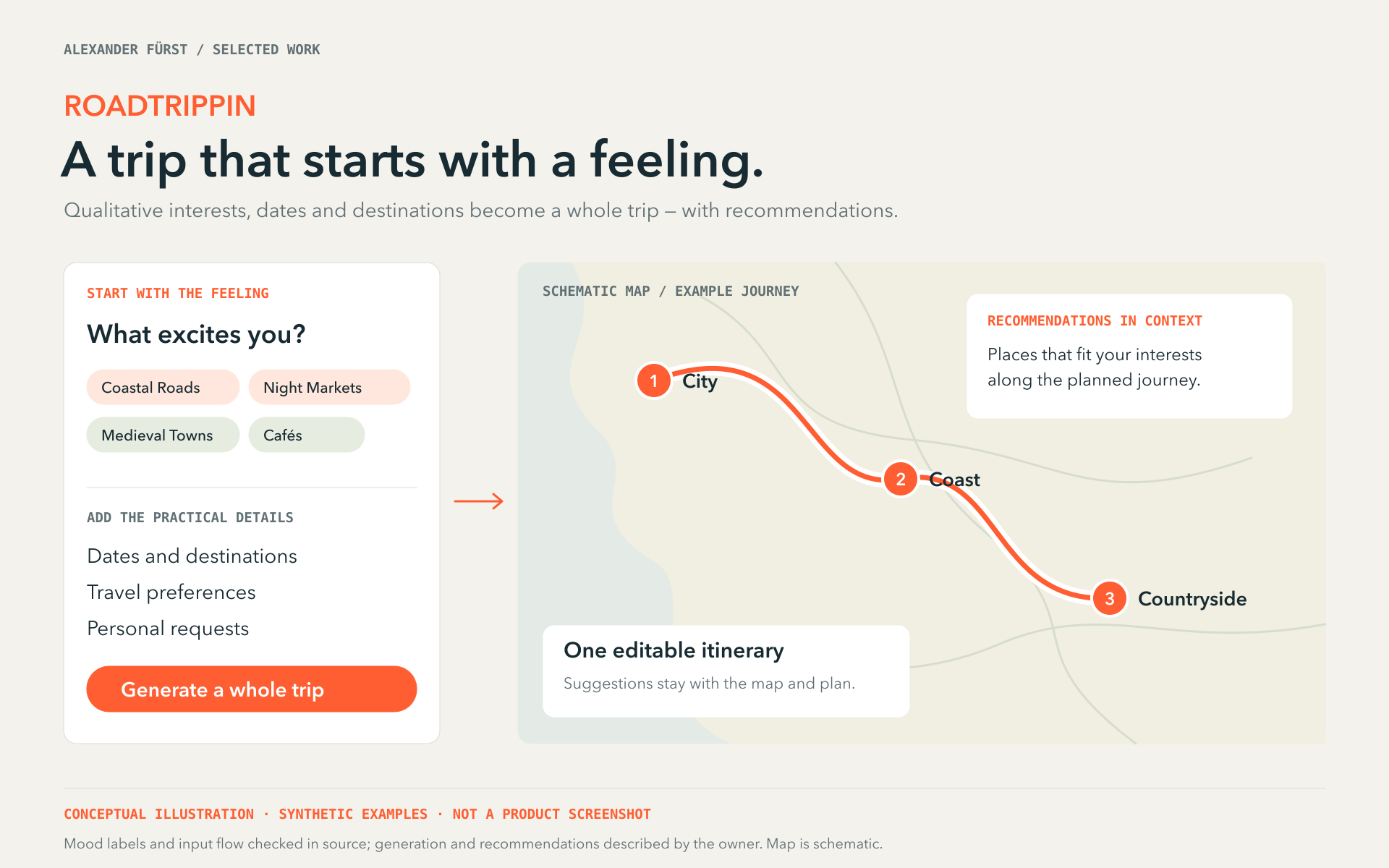
Conceptual illustration
From mood, interests, dates and destinations to a generated trip and recommendations. Synthetic inputs and schematic itinerary; not a real route or booking offer.
Automatically generated image description
This conceptual diagram titled 'ROADTRIPPIN' illustrates a trip planning interface focused on qualitative interests and practical details. On the left, a white panel prompts users to select what excites them with options like Coastal Roads, Night Markets, Medieval Towns, and Cafés, followed by sections for dates, travel preferences, and personal requests. A prominent orange button labeled 'Generate a whole trip' is below. To the right, a schematic map shows a journey with three numbered stops: City, Coast, and Countryside, connected by an orange line. Text boxes explain editable itineraries and contextual recommendations. The background is light beige with minimalistic design.
03 / From opportunity to integration
Find the useful feature. Then make it work.
You bring the product knowledge. I bring ideas, interaction design and engineering to work out where AI can help your customers or team — and how it belongs in the experience.
Find an opportunity worth exploring
Walk through your customer journeys or internal tasks. We look for difficult inputs, repetitive decisions and knowledge people struggle to find, then compare possible features against the problem they would solve.
Product walkthrough · use-case shortlist · a focused first step
Put a working feature in someone’s hands
Build the critical interaction with representative data. Test the quality of the result, how people steer it and what happens when it is wrong, before committing to a wider integration.
Working prototype · evaluation examples · user feedback
Connect it to your product
Fit the feature into your existing interface and systems. Connect the data and tools it needs, with appropriate permissions, review points and a useful path when AI cannot complete the task.
Product UX · model and tool integration · failure handling
Keep improving what people use
Carry the useful version into operation. Agree what to monitor, how to evaluate changes and who owns maintenance, so the feature can evolve with your product.
Production plan · quality and cost checks · ongoing ownership
04 / How we work
Start with your product. Find the next step.
Show me your product
A walkthrough and a conversation about your users are enough to start. We identify promising opportunities and the constraints that matter.
Try one concrete idea
We choose a small feature, define what a useful result looks like and test a working version against real examples.
Build on what proves useful
We decide what to integrate, what needs more work and how to operate it. I can implement alongside your team and stay involved as the product evolves.
The right starting point
How would you like to start?
Project delivery or team involvement
Build with me
Explore and integrate a useful AI feature, with product thinking, interaction design and engineering alongside your team.
Explore projects & collaboration ↗05 / Practical questions
Before we talk
Can you help us find the idea, too?
Yes. You do not need to arrive with an AI feature in mind. We can start with your product, its users and the tasks they want to complete, then identify and prioritize useful possibilities.
Is this for our customers or our own team?
Both. Customer-facing features can help people create, discover and act. Internal tools can help a team use its knowledge, review information or carry out specialist tasks. The audience determines the interaction and controls.
06 / Your next step
Bring your product. Let’s find the opportunity.
What do people use it for? What still feels difficult? Tell me where things stand — we can work out the feature together.
Let’s explore your product