
Case study
build-manager – AI Orchestration & Extended Chat Harness
Last updated:
Keeping parallel AI development understandable from idea to release.
A short prompt can start a large feature, but it does not reliably carry it through every step. Work may stop early, miss expectations or finish with weak optimisation and an enormous conversation history. I built build-manager to give that work a visible, editable structure.
A pipeline with distinct responsibilities
The workflow moves from feature definition through specification, implementation, testing, QA and release. A local web interface brings status and steering together, while editable prompts define the work at each stage. The pipeline tracks progress and advances automatically, so I can see what has been completed and where attention is needed without reading one enormous chat.
Automatically generated image description
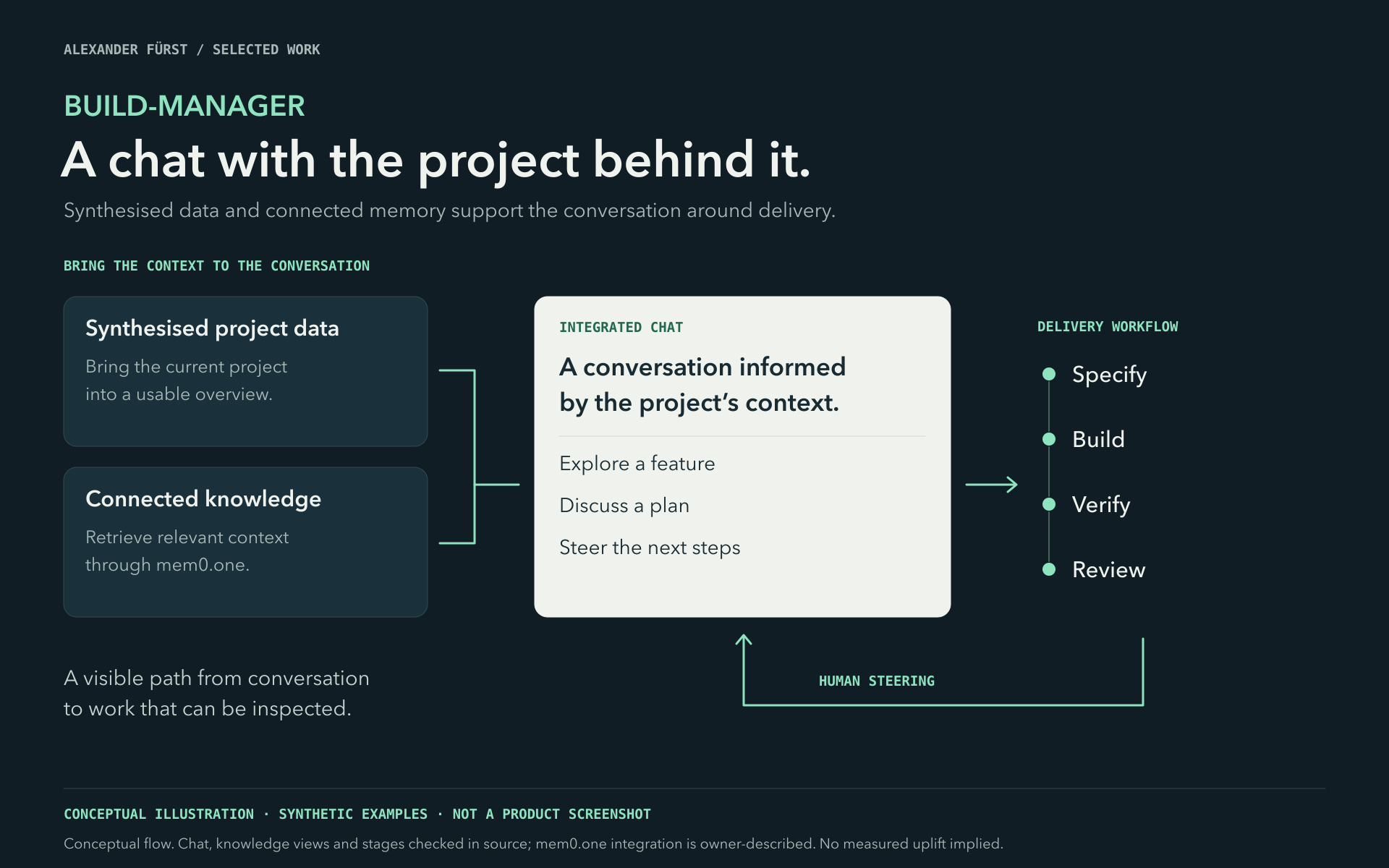
This conceptual diagram titled 'BUILD-MANAGER' shows a workflow for project management through chat. It features a dark background with teal and white text. On the left, two dark blue boxes labeled 'Synthesised project data' and 'Connected knowledge' describe bringing project data and retrieving context. An arrow points to a white box labeled 'Integrated Chat' with text about conversations informed by project context, listing 'Explore a feature,' 'Discuss a plan,' and 'Steer the next steps.' To the right, a vertical list outlines the delivery workflow: Specify, Build, Verify, Review, with arrows indicating human steering and flow direction.
Parallel work without losing the overview
In daily use, I can draft six features and let them progress in separate Git worktrees. Each has its own status, so I can see where work needs attention while continuing to shape the next feature. The separation gives parallel changes their own working context.
Agents can use Test Flow or interact with the application in a browser as part of testing. That makes runtime checks part of the delivery workflow. The staged structure gives me places to inspect and steer the result before release.
Connecting development to the rest of my work
Custom hooks connect stage changes to Kanban boards, messenger notifications and other actions. Developed as a solo project in evenings and weekends, build-manager has become an internal tool I use daily. Its main contribution is a repeatable path for many pieces of work, with enough visibility to keep them moving and enough structure to review what they produce.